It’s been only half a month since the release of Nicolium v0.2.0, but I already have a lot of new features and improvements to share with you in this v0.3.0 release! The most significant changes are related to the admin dashboard interface and user configuration options, but there’s more!
New user-facing configuration options
In Nicolium v0.3.0, I made it possible to add links to items such as user profiles, lists or bookmark folders to the navigation menu. To use this feature, visit a profile/timeline, click the three dots button and select “Add to navigation items”. You can then rearrange the navigation items in the settings. I know of at least one user who really wanted to have a link to my profile in the navigation menu, so maybe you’ll enjoy easier access to my profile as well (you can also try it with others lmao).
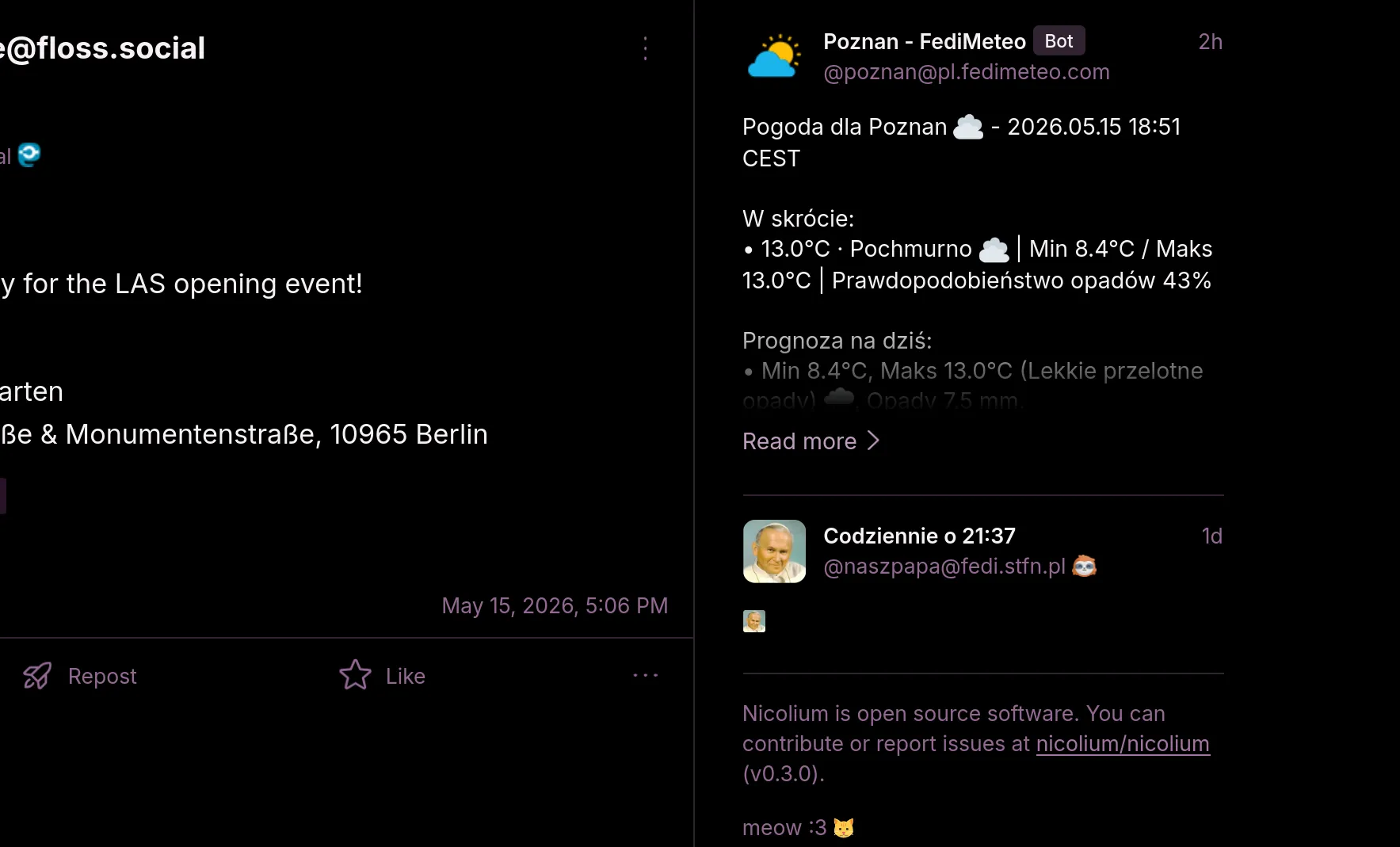
It is also possible to add a widget showing the most recent post from a given profile using the “Show latest post in sidebar” option in the user dropdown menu. Personally, I use this feature to have quick access to the most recent post from the FediMeteo account for the city I’m currently in, so I can quickly check the weather forecast.
You can now disable the link preview cards in the settings, or disable media attached to them.
Admin dashboard improvements
Nicolium v0.3.0 introduces basic support for the Iceshrimp.NET administration API. It is entirely different from the admin API used by Mastodon, but we’re already implementing the Pleroma admin API as well.
I added an interface for managing domain allows and blocks and fully reworked the user list interface to allow searching and filtering users by various criteria. Features such as password resets, disabling MFA, and e-mail changes are available on the user management page when supported by the backend. The frontend configuration editor available in some backends now allows editing the default user settings in the same interface that’s available for users.
Other changes
There were also some UI changes. If you delete all widgets from the sidebar, it will be hidden completely, making the main content area wider. The navigation menu is now visible on more breakpoints in a new narrow mode (meant to be used with the upcoming Deck feature). More components use the same autosuggest input component used in the post composer. Default settings were changed so timeline autoloading and infinite scroll are disabled by default, but you can enable them in the settings if you want to.
Pages such as timelines and notification lists now feature a refresh button on non-touchscreen devices, so you don’t have to use the pull-to-refresh gesture anymore.
Here’s the full changelog:
Added
- Links to specific accounts, lists and other pages can be added to the navigation menu.
- A sidebar widget showing the most recent post from a specific account.
- Refresh button for timmelines and notifications page for non-touchscreen devices.
- Option to disable link previews or their media in posts.
mastodon-async-refreshheader support ported from Mastodon.- Support for Iceshrimp.NET 2FA configuration.
- Support for
restrictedtimeline mode (only visible for admins) on backends that implement it. - Muted threads page on Iceshrimp.NET.
- When no navigation items are pinned, thumb navigation menu conditionally displays a dot indicating unread notifications or messages.
- Admin dashboard on Pleroma/Akkoma/Mitra allows configuring default user interface settings.
- Admin interface for managing domain allows/blocks.
- Basic support for Iceshrimp.NET admin API, including reports and domain blocks management.
- Filters/mutes handling in quoted posts.
Changed
- Default settings now disable autoloading new timeline items and infinite scroll.
- Edit profile page offers autosuggestion for mentions, emojis and hashtags.
- Chat message composer uses the autosuggest input component used in other places, replacing external combobox library.
- Narrow mode is used for the navigation menu on some breakpoints.
- Sidebar is now hidden when all items are removed from it, making the main column wider.
- Reworked account list page in the admin dashboard.
- Iceshrimp.NET access token should now be persisted across sessions.
- Further work on migrating styles from TailwindCSS.
- Legacy config path is no longer supported.
- Made strings across the app more consistent.
Fixed
- About page doesn’t render infinite loading animation anymore.
- Pending posts render consistently with persisted posts in thread view.
- Quotes are not counted with reblogs when quote button is displayed in post actions.
- Modified default post content type and visibility setting behavior to fix cases where they were not applied correctly.
Try Nicolium
You can try Nicolium out by visiting web.nicolium.app and find the source code on Codeberg. If you’ve encountered any bugs or want to suggest a feature, you can open an issue on Codeberg. The documentation describes how to deploy Nicolium alongside your own Fediverse instance and how to start contributing. You can also join Nicolium IRC channel on libera.chat if you want to chat about it.